Estelia: A Sweet Script Font for Web Design
When working on a boutique online store, I was looking for a font that could add a touch of personality to the hero section without overpowering the design. Estelia caught my eye as a soft and sweet script font that felt both elegant and approachable. It had a casual charm that made it perfect for a brand aiming to feel warm and inviting.
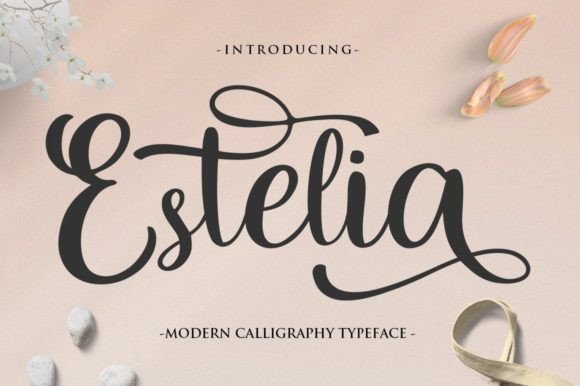
Testing Estelia in the hero section, I noticed how its flowing lines and gentle curves brought a sense of movement to the page. It wasn’t too ornate, which helped maintain readability while still standing out as a unique element. The font’s character felt right at home with the brand’s aesthetic, blending seamlessly into the overall visual language.
Visual Characteristics and Digital Appeal
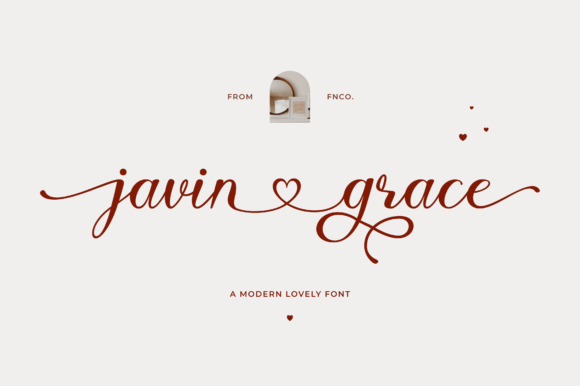
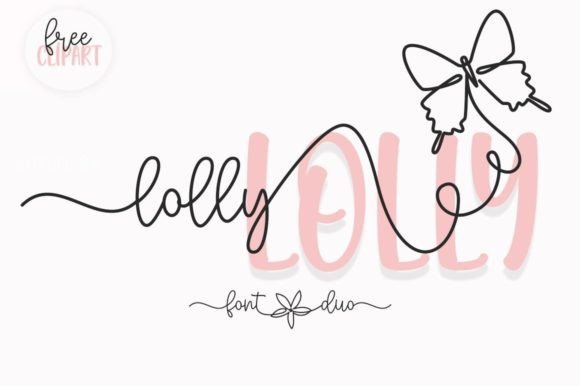
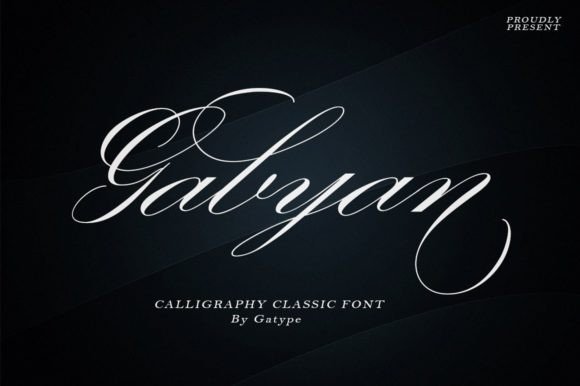
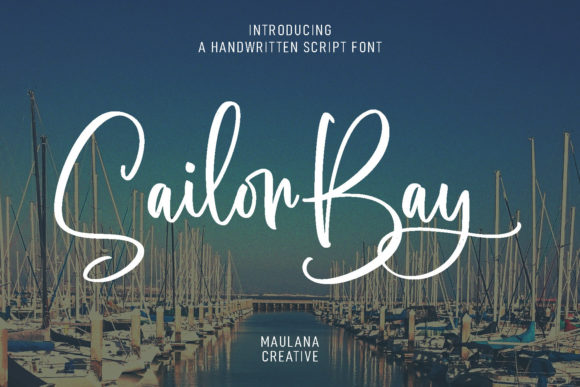
Estelia is a script font that carries a handwritten quality, making it ideal for digital projects that want to feel more personal. Its subtle variations in stroke weight and spacing give it a natural, organic feel that can elevate any layout. Whether used for headings or decorative accents, it adds a level of sophistication that’s hard to achieve with more rigid typefaces.
The font’s personality is both casual and refined, which makes it versatile for different applications. It works well in logos, where its fluidity can convey a sense of creativity and trust. In web design, it can be used for headers, call-to-action buttons, or even short phrases that need a little extra flair.
Real-World Applications in Web Design
On a coaching website, I experimented with Estelia for the main headline. It gave the page a more human touch, making the content feel less formal and more relatable. The font’s legibility on screen was surprisingly good, especially when paired with a clean sans serif for body text. This combination created a balanced hierarchy that guided the user’s eye naturally through the content.
For an e-commerce product landing page, I used Estelia for the banner text. It worked well over a background image, adding a layer of visual interest without distracting from the product. The font’s softness contrasted nicely with the bold, modern sans serif used for product titles and descriptions, creating a cohesive yet dynamic layout.
Readability and User Experience Considerations
One of the key things I checked was how Estelia performed on mobile screens. At smaller sizes, the font maintained clarity, but I found that using it for body text wasn’t the best choice. Instead, I reserved it for headlines and short labels, where its visual appeal could shine without compromising usability.
On dark backgrounds, Estelia looked great, but I made sure to adjust the line height and spacing to prevent the characters from feeling cramped. For light backgrounds, the font’s subtlety helped it stand out without being overwhelming. When placed over images, it worked best when the background was slightly blurred or desaturated to ensure legibility.
Font Pairing and Design Strategy
Pairing Estelia with a simple sans serif like Roboto or Open Sans made the design feel more structured and professional. This combination allowed the script font to act as a highlight, drawing attention to key elements without disrupting the flow of information.
For a blog redesign, I used Estelia for the header and subheadings, while keeping the body text in a more neutral typeface. This helped create a clear visual hierarchy and made the content easier to scan. The font also worked well in social media graphics and email templates, where a bit of personality can make a big difference.
Practical Tips for Using Estelia
If you’re considering Estelia for your next project, start by testing it in the most prominent areas of your design—like the hero section or main navigation. Use it sparingly to avoid clutter and ensure that it complements the rest of your typography.
Check the font’s available styles, weights, and alternates to see what fits your needs. Make sure it supports the languages you’ll be using, and verify that the licensing allows for commercial use if you’re designing for clients or public-facing websites.
Estelia is a great example of how a well-designed script font can enhance a digital experience. Its balance of elegance and approachability makes it a valuable addition to any designer’s toolkit, especially when the goal is to create a more personal and engaging online presence.
Whether you're building a creative portfolio, launching a new product, or redesigning a website, Estelia offers a fresh and stylish option that can help your brand stand out in a crowded digital space.